 LoginSchedule demoLoginSchedule demo
LinkedIn video sharing is here! Now when you share a video from EveryoneSocial to LinkedIn, it plays natively, creating a seamless experience.

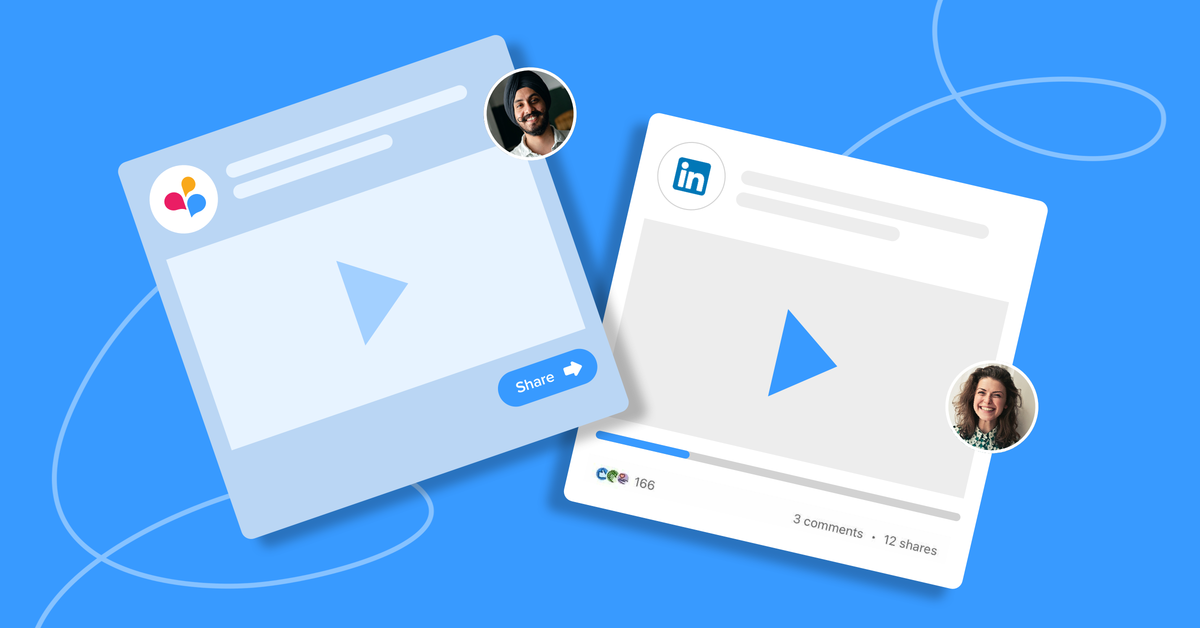
You asked, we answered. LinkedIn video sharing is here!
Now, when you share a video to LinkedIn from EveryoneSocial, it plays natively, creating a more seamless experience both for EveryoneSocial and LinkedIn users.
Let’s take a look.
EveryoneSocial has always allowed for video sharing to LinkedIn; however, previously, the video defaulted to a static image with a play button.
When a LinkedIn viewer clicked to watch a video shared from EveryoneSocial, they were taken to a Public Post Page, where the video would play.
Why?
Because previously LinkedIn didn’t allow for this, but now the networking site has updated its API, permitting videos to be shared directly from EveryoneSocial to a LinkedIn profile.
The API for LinkedIn is still in Beta and will likely be enhanced, but this has been one of our customers’ most requested features and we wanted to get it to you as quickly as possible.
Plus, now EveryoneSocial captures the number of times your video is viewed and displays it within our analytics!
Related: What KPIs should you track to measure the success of your employee influencer program?Here’s everything you need to know.
Glad you asked! These are the specifications for videos shared from EveryoneSocial to play natively on LinkedIn.
No problem. In this case, the video will post to LinkedIn exactly as it did before: with a static image with a play button that’ll play on a Public Post Page.
Exactly as you did before.

The GIF below will take you through the process step by step, but you can check out this Help Center article for further information.
See the platform that comms, marketing, and compliance teams use to run their advocacy program.


